


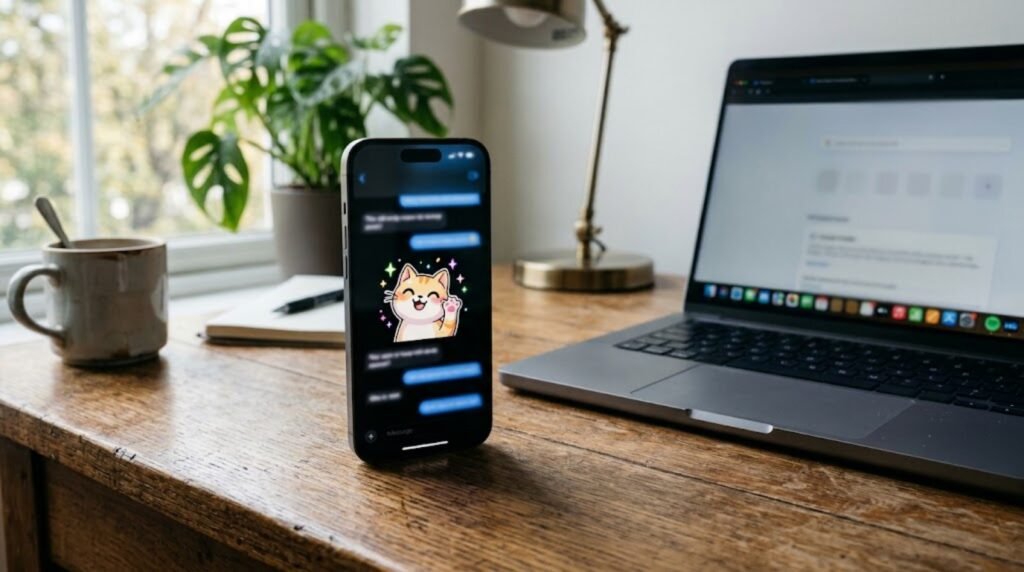
ChatGPT Images 2.6 adds a feature people have asked for since AI image tools took off: animation. According to Tom’s Guide, you can now turn any prompt, or any photo you upload, into a GIF, and the update is available to free users as well as paying ones.
In this article
What ChatGPT Images 2.6 adds
The update builds on ChatGPT Images 2.5, which arrived about two months earlier and focused on faster generation, sharper detail and more precise edits. 9to5Mac covered the arrival of the Images 2 line back in April, so OpenAI has now updated the tool three times in about half a year.
Version 2.6 keeps the speed gains and adds GIF creation. As Tom’s Guide describes it, you can:
- Turn a text prompt into an animated GIF.
- Upload a photo, such as a selfie, a pet picture or a drawing, and animate it.
- Adjust how fast the animation plays.
- Edit individual frames.
- Share the finished GIF to social media.
Who can use ChatGPT Images 2.6
The new tool is rolling out to all ChatGPT, ChatGPT Work and Codex users, on desktop, mobile and the web. That means free accounts are included, which is notable because new creative features often start on paid plans. Usage limits may still apply, so check what your plan allows inside the app. We have not seen OpenAI’s own announcement page, so treat the rollout details as reported by Tom’s Guide until you see the feature in your account.
How to make a GIF with ChatGPT Images 2.6
The process is simple. Open ChatGPT, upload a photo if you want to animate one, and describe the motion you want. The tips below come from the kinds of prompts Tom’s Guide tried, rewritten in our own words:
- Ask for a loop. Say the last frame should flow into the first so the GIF repeats smoothly.
- Fix the camera. Telling ChatGPT to keep the camera still avoids odd zooms and drifting.
- Name a style. Clay animation, paper cutouts or 90s anime all give the result a clear look.
- Protect the details. Ask it to keep faces, markings or outfits consistent from frame to frame.
- Request a transparent background if you want an animated sticker.
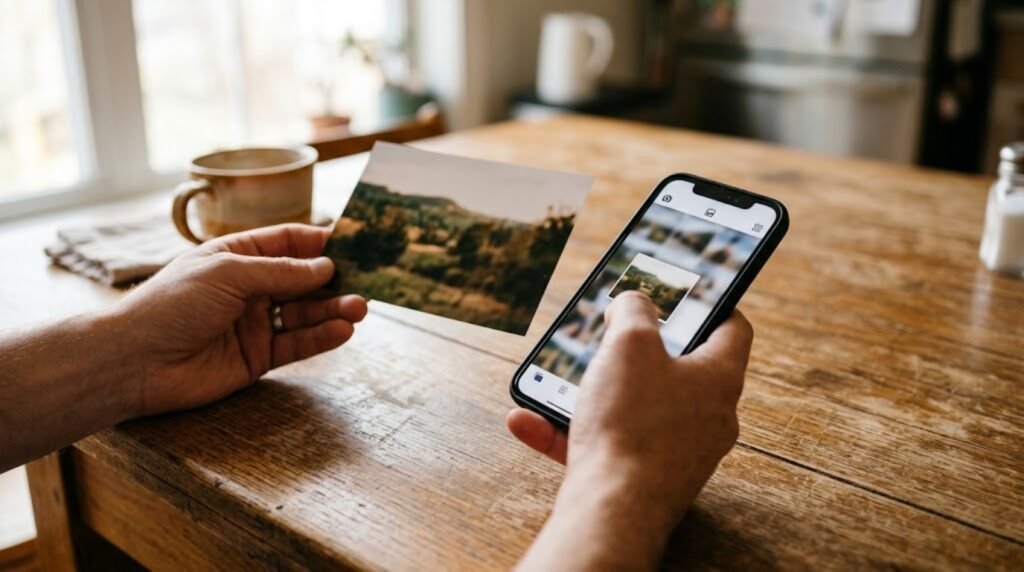
If the first result is off, follow up with a short fix, such as slowing the motion or smoothing the transition between the last and first frames. That is faster than rewriting the whole prompt, and it keeps the parts you already liked. With ChatGPT Images 2.6 the speed controls and frame editing also let you polish the result without starting over. Our own guide to writing clearer prompts is a good companion to this feature, and more explainers live in our AI section.
Prompt ideas to try with ChatGPT Images 2.6
Start small and be specific. Here are three ideas you can copy and adjust:
- “Turn this photo of my dog into a looping GIF where he wags his tail and tilts his head. Keep the camera fixed and the background simple.”
- “Make a transparent-background GIF of a tiny cartoon version of me giving a thumbs-up, with the same hair and outfit as the photo.”
- “Animate my doodle so it waves at the viewer and then returns to its first pose, in a handmade felt style.”
GIFs are short and silent, so keep the action simple. One clear movement that loops well usually looks better than a busy scene, and it is easier to fix with a follow-up request if something goes wrong.
Things to watch before you share
Animating a photo of a real person is fun, but think before you post. Check that you have permission to use someone else’s picture, and remember that AI animation can change small details in a face. Also review the result for odd artifacts before sharing it widely. For more stories like this one, browse the latest stories.
ChatGPT Images 2.6 FAQ
Is ChatGPT Images 2.6 free? Tom’s Guide reports that free users get the upgrade, though usage limits can apply.
Can I animate my own photo? Yes. You can upload a photo and ask ChatGPT to turn it into a GIF.
Can I change the speed? Yes. The update includes animation speed controls and frame editing.
Sources: Tom’s Guide, 9to5Mac.