
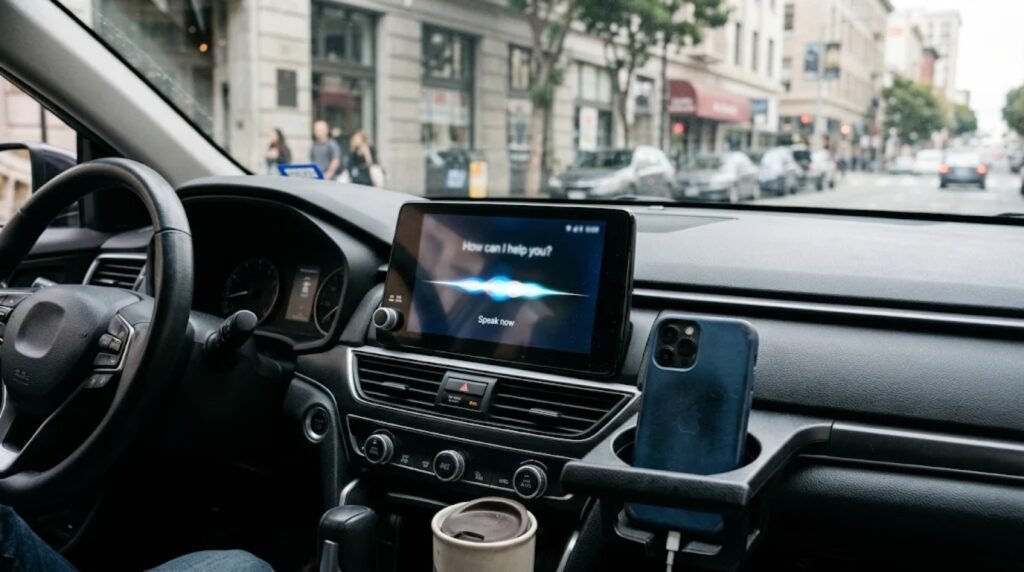
Gemini CarPlay support is here. Google has brought its standalone Gemini app and Gemini Live voice chats to Apple CarPlay, with a global rollout that began on November 11. iPhone owners can now talk to Gemini from the car’s dashboard screen instead of reaching for their phone.
Until now, Gemini only showed up on CarPlay inside Google Maps navigation, so Gemini CarPlay support was limited to directions. The new app gets its own icon and its own interface, and it supports every language that Gemini Live already handles.
In this article
What Gemini CarPlay can do
Gemini Live is Google’s back-and-forth voice mode. With Gemini CarPlay, you tap the Gemini icon on the CarPlay home screen or side rail, then start a new conversation or pick up a recent one. You can interrupt mid-answer to add a detail, switch topics, or pause the chat when the road needs your full attention.
With Gmail and Google Calendar connected, Gemini can:
| Task | Example |
|---|---|
| Check your schedule | Review upcoming meetings before you arrive |
| Handle email | Summarize unread messages and long threads |
| Draft replies | Help write a response you can review later |
| Prepare | Rehearse a presentation or explain a topic |
| Plan the trip | Suggest stops along your route |
Every conversation is saved to the Gemini app on your iPhone, so you can read it back once you park. Some personal features, including Daily Brief, are not available to users under 18 or in the European Economic Area and Nigeria, according to iClarified.
How to set up Gemini CarPlay on your iPhone
Setup takes a minute, but there is one step people may miss:
1. Update the Gemini app. Install the latest version of the Google Gemini app on your iPhone from the App Store.
2. Allow microphone access. Gemini Live needs the mic to hear you.
3. Use Gemini Live once on your phone. Google says you must try Gemini Live on the iPhone at least once before it works in the car.
4. Connect to CarPlay. Plug in or connect wirelessly, then look for the Gemini icon on the CarPlay screen.
The reports we read do not mention a paid plan requirement for the basic Gemini CarPlay experience. If the icon does not appear right away, wait a day or two, because the rollout is gradual.
Gemini joins a crowded CarPlay AI lineup
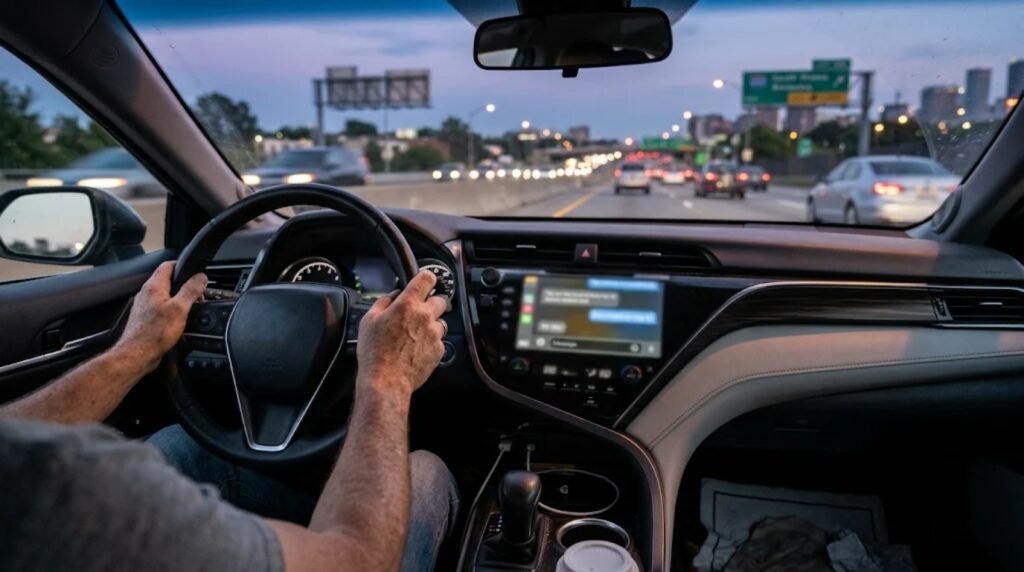
Google is not first. OpenAI’s ChatGPT, Anthropic’s Claude, Microsoft’s Copilot, Perplexity and xAI’s Grok have all arrived on CarPlay, PYMNTS reports. The launch follows Apple’s move to allow voice-based AI apps in CarPlay.
Gemini already works on Android Auto and in cars with Google built-in, so this closes the gap for iPhone drivers. For many people, it may be the more useful assistant on the road, because it can reach the Google apps they already use for mail and calendars. Siri remains the built-in option, and Apple is working on a more capable version, as we covered in our look at Apple’s agentic Siri roadmap.
Why Gemini on CarPlay matters
The car is one of the few places where voice is the natural way to use an AI assistant. A chatbot that needs typing is useless while driving, but a voice mode that you can interrupt like a person fits the situation well.
Safety is the open question for Gemini CarPlay and every rival. Long AI conversations can still pull attention away from the road, even without touching a screen. The ability to pause a chat helps, and drivers should keep requests short and save drafting and reading for when they stop.
The bigger trend is clear: the AI race has moved to the dashboard. Every major chatbot now wants a spot on the CarPlay screen, and Gemini CarPlay support gives Google a direct line to millions of iPhone drivers. For more AI news, read about Anthropic’s Claude Fable 5.2 upgrade or see our latest stories.
FAQ
Is Gemini available on Apple CarPlay?
Yes. Google started a global rollout of the standalone Gemini app with Gemini Live on CarPlay on November 11, 2026.
Why is Gemini not showing on my CarPlay?
Update the Gemini app, allow microphone access, and use Gemini Live on your iPhone at least once. The rollout is gradual, so it may take time to reach you.
Can Gemini read my email in the car?
With Gmail connected, Gemini can summarize unread messages and long threads and help draft replies.
Sources: iClarified, PYMNTS, Android Authority

Leave a Reply