
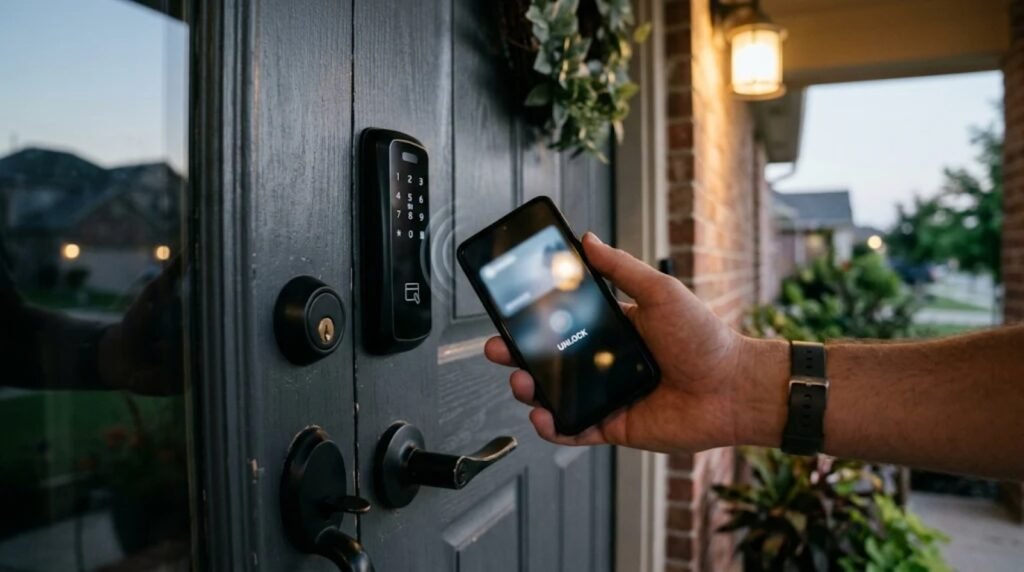
Google Wallet digital home keys are rolling out now, letting Android phones unlock compatible smart locks with a tap or simply by walking up to the door. The feature works with locks set up in Google Home and uses the new Aliro standard for smart lock access.
Apple has offered home keys in Apple Wallet since 2021, so Google Wallet digital home keys help Android catch up. But Google’s version arrives with hands-free unlocking on day one for some phones and a short list of supported locks.
In this article
How Google Wallet digital home keys work
There are two ways to unlock, depending on your phone and lock.
| Mode | Technology | What you need |
|---|---|---|
| Tap to Unlock | NFC | Android 9 or newer and an NFC-capable lock |
| Unlock on Approach | Ultra-wideband (UWB) | A UWB phone and an Aliro UWB lock |
Tap to Unlock is the simple option: hold the phone near the lock. By default, it works even when your screen is locked, as long as the phone was unlocked recently. You can require a screen unlock or fingerprint in the Google Wallet app if you want extra security, 9to5Google reports.
Unlock on Approach is the hands-free mode. The lock senses your phone over UWB and opens as you walk up. You have to turn it on manually in Google Wallet.
Google Wallet digital home keys: supported locks and phones
At launch, Google lists three locks:
| Lock | Support |
|---|---|
| Aqara U400 | NFC and UWB |
| Schlage Sense Pro | NFC now, UWB coming later |
| Nuki Keypad 2 NFC | NFC |
More models are promised. Your lock also needs to be Matter-certified with Aliro support, and you need a Google Home hub that works as a Thread border router, according to Digital Trends.
For hands-free unlocking, phone support is narrow. It covers the Pixel 10 Pro series and newer, plus select Samsung Galaxy phones with UWB. Wear OS watches do not support Google Wallet digital home keys at launch, which is a gap compared with Apple Watch.
How to add a home key to Google Wallet
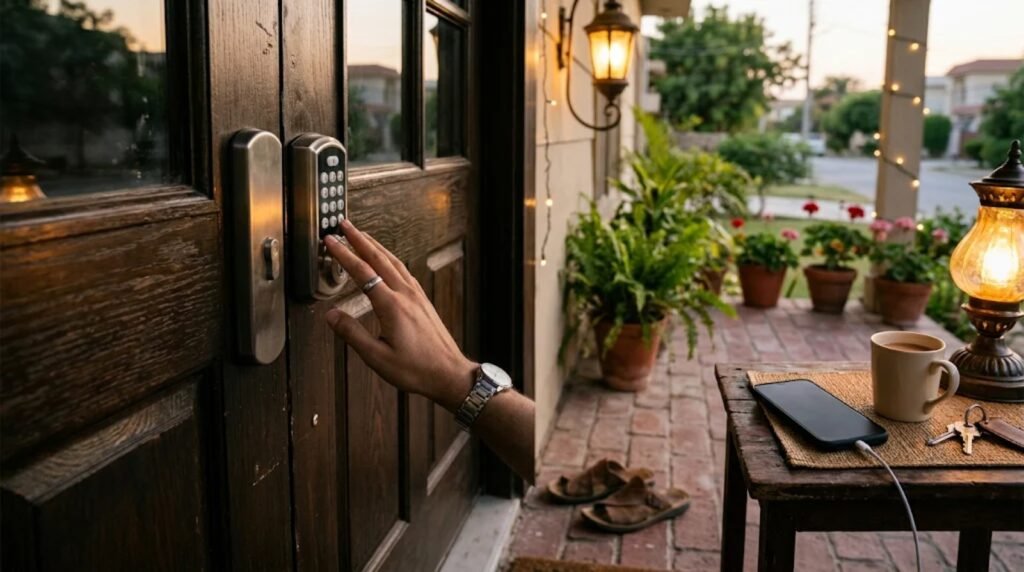
Setting up Google Wallet digital home keys starts in Google Home, not Wallet:
1. Set up the lock in Google Home. Add your compatible Aliro lock to the Google Home app.
2. Save the key. Google Home prompts you to add the key to Google Wallet when setup finishes. You can also go to Home settings and choose Google Wallet key.
3. Pick your unlock mode. Tap to Unlock is on by default. Enable Unlock on Approach in Wallet if your phone and lock support UWB.
The key is tied to your home in Google Home rather than to a single lock, so one key can open several compatible locks in the same house. It also syncs across Android phones signed in to the same Wallet account. Other household members can add keys to their own Google Wallet accounts.
Why Google Wallet home keys matter
Aliro is the important part of Google Wallet digital home keys. It is a shared standard for phone-based lock access, so locks that support it should work across platforms instead of needing a separate app for each brand. That makes it easier for lock makers to support both Android and iPhone, and easier for buyers to switch phones later.
For now, the rollout starts with the Google Home Public Preview and reaches everyone over the coming weeks. The lock list is short and UWB phones are mostly flagships, so most Android users will start with Tap to Unlock. As more Aliro locks ship, Google Wallet digital home keys should become a normal feature on Android phones. For more Android news, read about One UI 9 Watch on the Galaxy Watch 8 check the Galaxy S27 camera specs leak, or browse our latest stories.
FAQ
Which phones support Google Wallet home keys?
Tap to Unlock needs Android 9 or newer with NFC. Hands-free Unlock on Approach needs a UWB phone, such as the Pixel 10 Pro series or select Samsung Galaxy models.
Which smart locks work with Google Wallet?
At launch: the Aqara U400, the Schlage Sense Pro and the Nuki Keypad 2 NFC. Google says more are coming.
Can I use a Google Wallet home key on my watch?
Not yet. Wear OS watches are not supported at launch.
Sources: 9to5Google, Digital Trends, Android Authority
Leave a Reply