
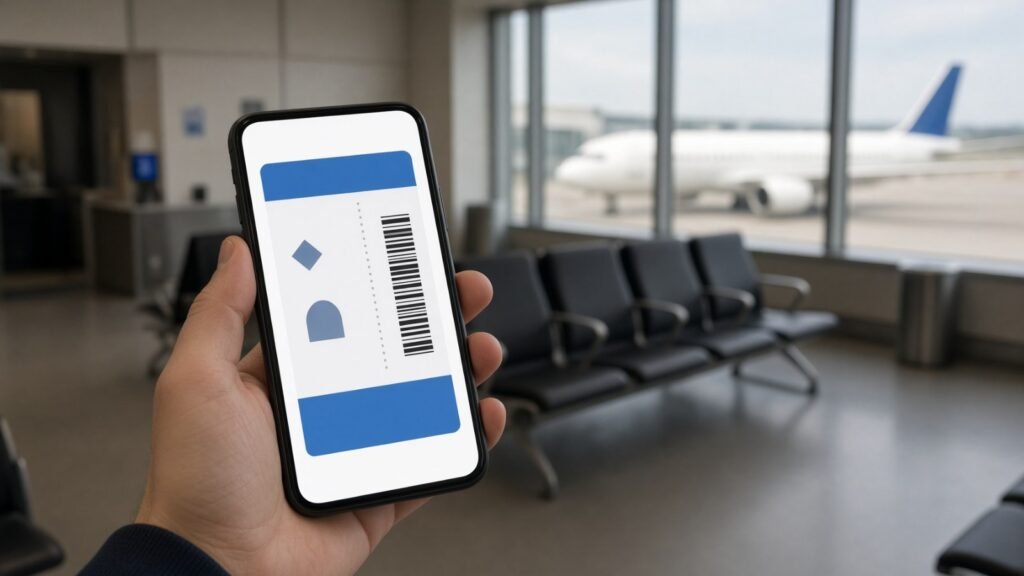
The Google Wallet iPhone app is now live for iOS users across the US, Google announced on November 17. It brings passes, loyalty cards, tickets and order tracking from Google’s wallet to Apple’s phones, but it leaves out the one thing most people use a wallet app for at the checkout: tap-to-pay.
If you use Gmail, Chrome or other Google apps on an iPhone, this is the bit that matters: your boarding passes, concert tickets and receipts can now gather in one Google app instead of being scattered across your inbox.
In this article
What is new with Google Wallet on iPhone?
Google Wallet has been an Android staple for years. The new Google Wallet iPhone version is a separate download from the App Store, and Google says it is available to iPhone users in the US starting this week. In its announcement, Google’s VP of consumer payments, P.J. Linarducci, framed the launch around organizing purchases, tickets and boarding passes in one place.
The headline feature is automatic syncing with Gmail and other Google apps. When a flight confirmation, a concert ticket or a delivery notice lands in your inbox, Wallet can pull it in and keep it handy across your devices, so you do not have to dig through email at the gate.
What can the Google Wallet iPhone app do?
Read next: Google Wallet digital home keys and what broke in this week’s Apple Pay outage.
According to Google, the iOS app handles four main jobs:
| Feature | What it does on iPhone |
|---|---|
| Gmail and Google app sync | Collects package tracking, boarding passes, concert tickets and receipts automatically |
| Card scanning | Uses the camera to add loyalty cards and gym memberships |
| Payment cards | Stores cards for faster online checkout across Google and wherever Google Pay is accepted |
| Agentic purchases | Shows order confirmations, receipts and delivery updates for purchases made by Google’s AI tools |
| Tap-to-pay in stores | Not supported on iOS for now |
That last row is the big catch. Google says plainly that tap-to-pay is not supported on iOS “at this time,” and it did not say whether that will change. On an iPhone, contactless payments at a store terminal still go through Apple Pay.

Why is Google putting its wallet on Apple’s phone?
The answer is AI shopping. Google says Wallet will be a secure hub for managing agentic purchases, meaning orders that its AI tools place or help place on your behalf. If a Google assistant buys something for you, Wallet is where the receipt, order status and delivery updates end up. Putting the app on iPhone means those Google AI features can work for people who never switch to Android.
Engadget points out that the app overlaps heavily with Apple Wallet, which also stores payment cards, tickets, travel passes and IDs. The AI angle is the clearest difference, since Apple has moved more cautiously on agentic AI than Google so far.
Should you install Google Wallet on your iPhone?
It depends on how much of your life runs through Google. The Google Wallet iPhone app makes the most sense if:
- Your travel bookings, tickets and shopping receipts mostly arrive in Gmail.
- You switch between an iPhone and a Chromebook, Android tablet or Windows PC and want the same passes everywhere.
- You plan to try Google’s AI shopping features and want one place to track those orders.
If you live inside Apple’s apps and rely on tapping your phone at the register, Apple Wallet still does more on an iPhone. Many people will end up using both: Apple Pay at the counter, Google Wallet as the organizer for everything Gmail catches.
What’s next for Google Wallet on iOS?
For now the app is US-only, and Google has not given a timeline for other countries or for in-store payments. The bigger test will be how quickly Google’s agentic shopping features roll out, since that is the main reason this app exists on iPhone. More phone news is on our latest stories page.
Google Wallet iPhone FAQ
Can I tap to pay with Google Wallet on iPhone?
No. Google says tap-to-pay is not supported on iOS at this time. You can still store cards for online checkout.
Is Google Wallet for iPhone available outside the US?
Not yet. Google announced it for iOS users in the US only. Availability last checked on November 18, 2026.
Does it replace Apple Wallet?
Not fully. It overlaps on passes and tickets, but Apple Pay remains the way to pay in stores on an iPhone.
Sources: Google Blog, Engadget



Leave a Reply